
TryHackme: DigDug – a walkthrough.
Turns out this machine is a DNS server - it's time to get your shovels out!

Introduction
Oooh, turns out, this {MACHINE_IP} machine is also a DNS server! If we could dig into it, I am sure we could find some interesting records! But... it seems weird, this only responds to a special type of request for a givemetheflag.com domain?
Access this challenge by deploying both the vulnerable machine by pressing the green "Start Lab Machine" button located within this task, and the TryHackMe AttackBox by pressing the "Start AttackBox" button located at the top-right of the page.
Use some common DNS enumeration tools installed on the AttackBox to get the DNS server on {MACHINE_IP} to respond with the flag.
So, start the attackbox, start the target machine.
Once they are up, I look into what the address may show:
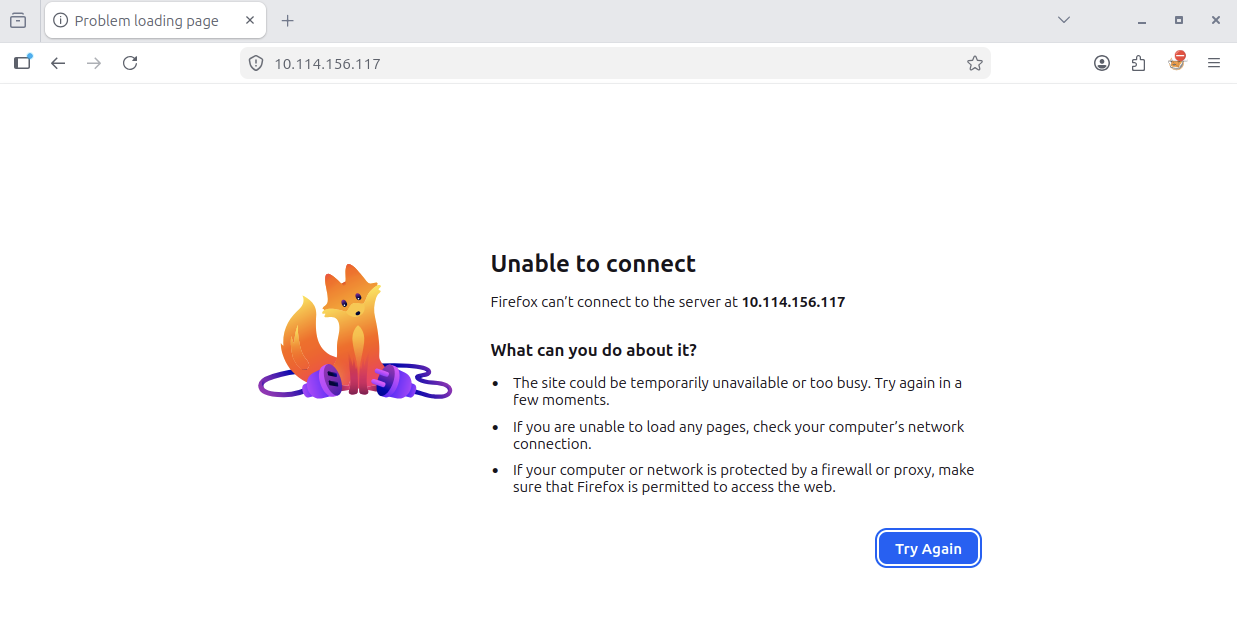
Nothing.
Trying "givemetheflag.com" – to no avail:
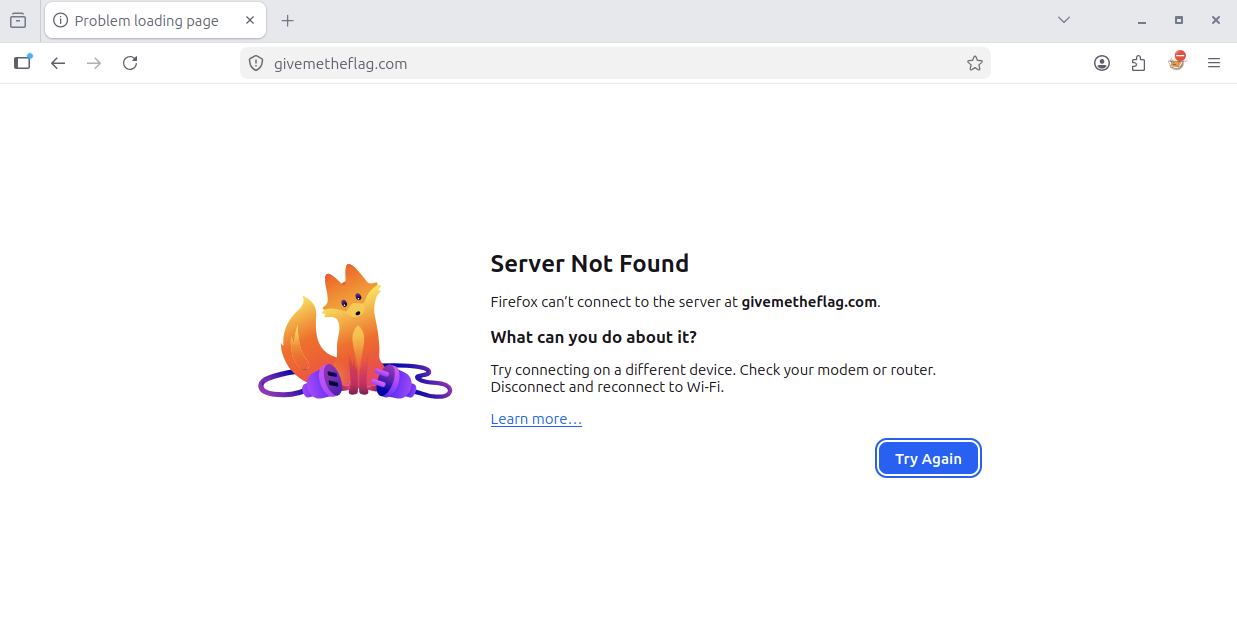
And why should I find anything?
The hints are clear: this machine is a DNS server.
So, I bring on a classic via the Terminal:
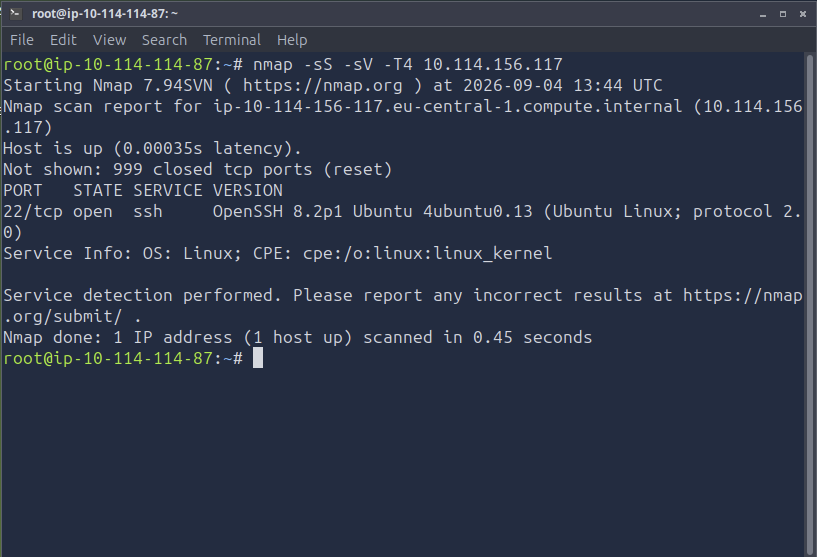
But not much info here, either.
Read the title again: DigDug
Okay, let's dig, then!
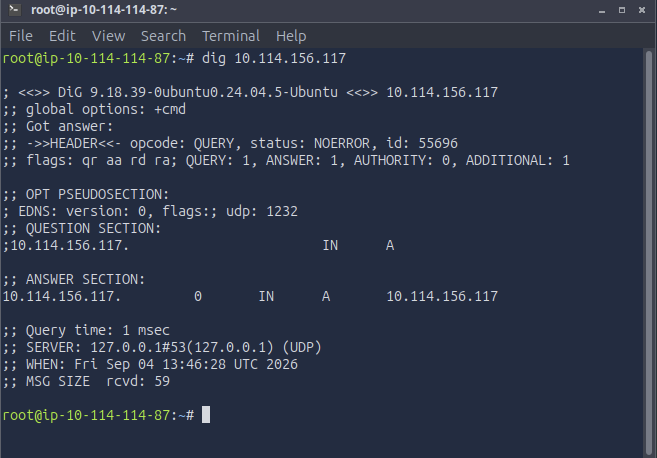
Nope.
Another try:
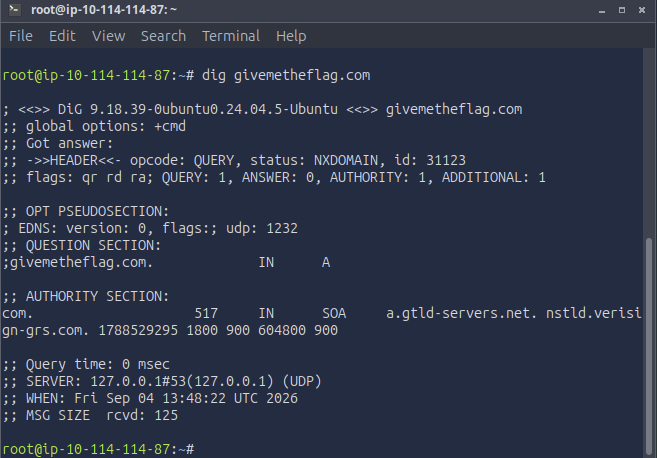
Nope, wrong again.
Okay, I then decided to turn to the man page:
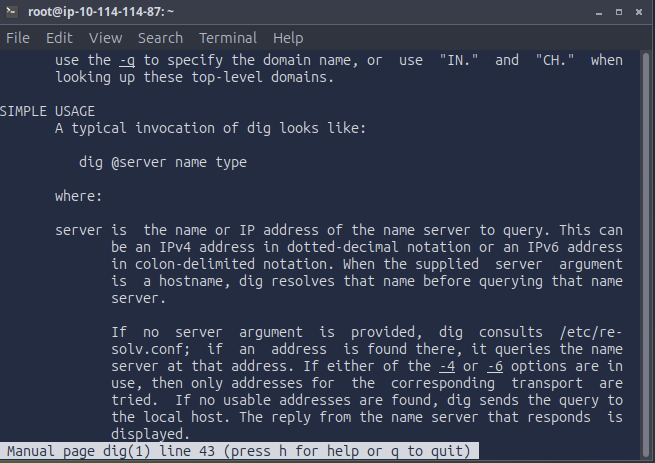
And, voila, look what we see:
dig @server name
so, let's go with it!
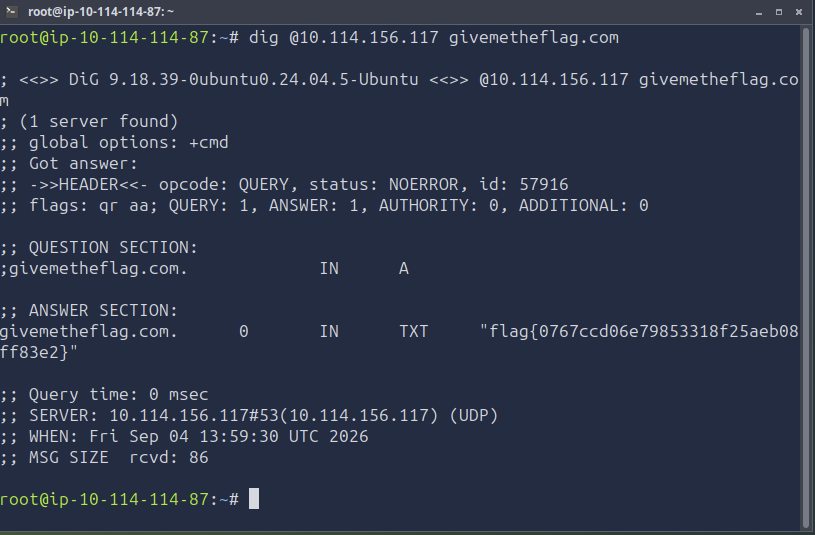
And here we go – catched the flag!
Question: Retrieve the flag from the DNS server!
ANSWER:
flag{0767ccd06e79853318f25aeb08ff83e2}
And there you go. A nice little walk on a video game reference from the 80s – hwhho knows the video game Dig Dug?
About the author
- 30 years in creative leadership (in the ad industry as a Creative Director) taught me one core skill: dissecting complex systems and finding the flaw before someone else does. My tech roots run back to 8-bit machine code on a C64 (yeah – 80s, baby!) Today, I’m combining that legacy hacker curiosity with modern threat detection and offensive security. BATTLE-TESTED LOGIC: Decades of high-pressure problem solving and systems analysis. HACKER MINDSET: I don't just follow playbooks; I reverse-engineer how the attack path actually works. CONTINOUS SKILL-UP: CompTIA Security+ certified (among other certs), building home labs, and constantly training for L1 ops to future Pentesting.
Comments
Join the discussionNo comments yet. Be the first to comment.